The Best Photo Food Tracker App in 2026 (Snap a Picture, Skip the Database)
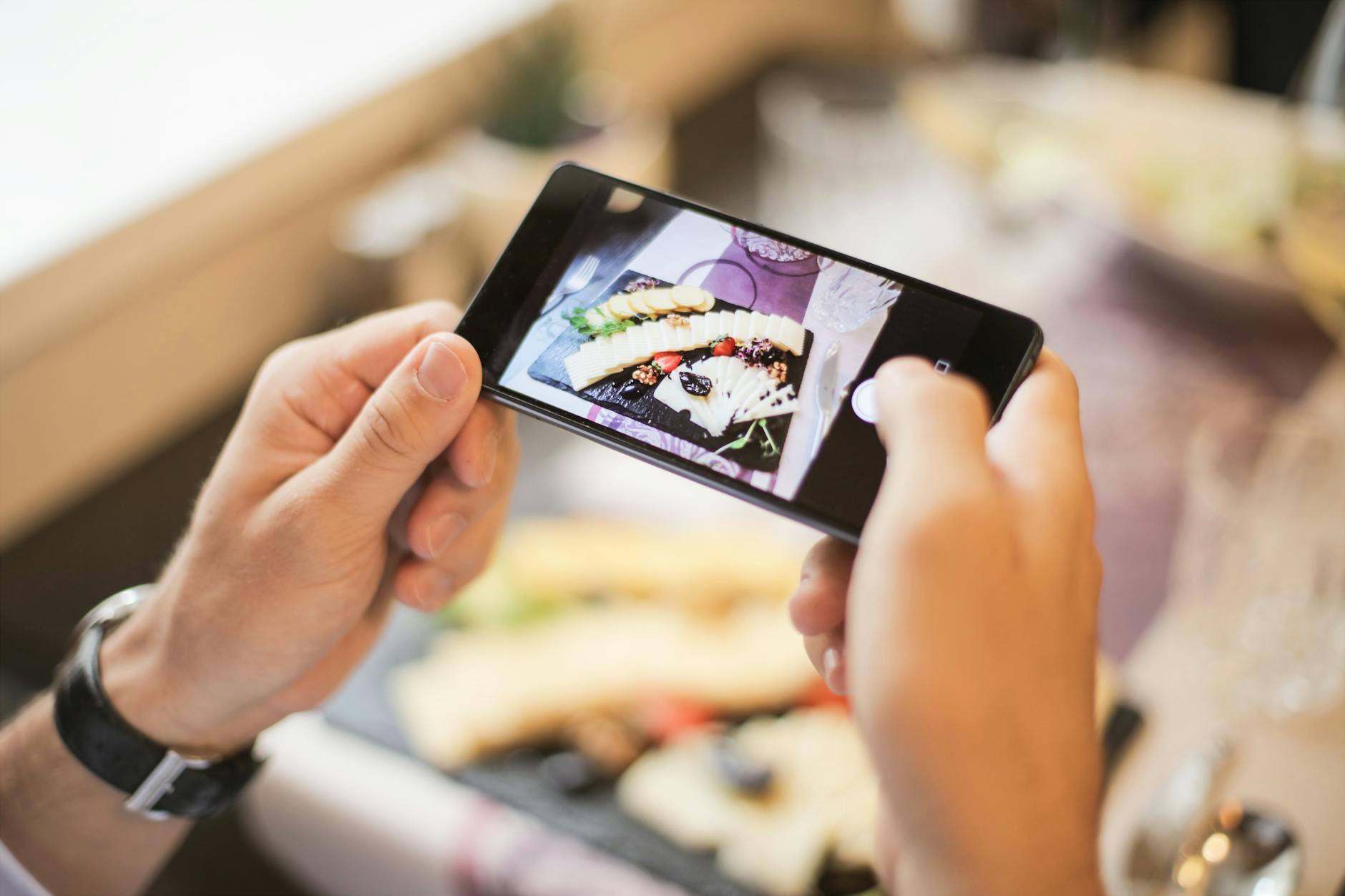
You sit down with dinner. You're hungry. You want to log it and eat. Instead, your nutrition app makes you scroll through fourteen variants of "grilled chicken" — restaurant brand, generic, bone-in, breast, thigh, with skin, without — and then guess whether your portion is "1 serving" or "100g" or "1 medium piece." By the time you finish logging, the food is cold and you're done with tracking forever.
That's the problem photo food trackers were built to solve. Snap a picture, get a full nutrient breakdown, eat. In 2026 the AI is finally good enough that this actually works — but only in the apps that did the engineering. Most "photo logging" features are still a thin layer of hype on top of the same database search.
What a Photo Food Tracker Should Actually Do
Before you download anything, here's the real bar. Most apps fail at least three of these.
1. Recognize Mixed Plates, Not Just Single Foods
Most "photo logging" features can identify an apple. The hard problem is a chicken Caesar wrap with a side of fries and a Diet Coke — three foods, different portions, all in one photo. A real photo food tracker breaks the plate apart, identifies each component, and gives each its own row. If your app just guesses "salad, 1 serving" and calls it a day, you're going to have garbage data.
2. Estimate Portion Size from the Image
Recognition is only half the work. The hard part is volume. Is that a 4-ounce chicken breast or an 8-ounce chicken breast? Is that bowl of rice a half cup or two cups? A serious photo food tracker uses visual cues — plate size, utensils in frame, food density — to estimate grams, not just food types. And it lets you tap to adjust without making you re-log the whole thing.
3. Return All 50+ Nutrients, Not Just Calories
If your photo logger spits out a calorie number and stops, it's not really a nutrition tracker. The point of automating entry is that you finally have time to look at the data — protein, fiber, omega-3s, magnesium, B12, iron, sodium, added sugar. A tracker that throws away 95 percent of that information is solving the wrong problem.
4. Work Offline, or Close to It
You'll log food in restaurant basements, on airplanes, and in your car. A photo tracker that demands a fast connection and a 10-second server round trip every time won't survive real life. The best apps cache and queue — snap now, AI processes when you have signal.
5. Let You Correct the AI Without a Reset
The AI will be wrong sometimes — it will call your steak a pork chop, think your roasted potatoes are fries. The question is what happens next. Can you tap the wrong item, swap it, and keep your portion estimates? Or do you delete the entry and start over? The difference between a "good" and an "abandoned" photo tracker usually lives right here.
The single biggest mistake people make picking a photo food tracker is judging it on the demo. Demos are always a perfect plate of grilled salmon and broccoli on a white plate. Test your app on a takeout container, a stir fry, and a kid's leftovers. That's the real benchmark.
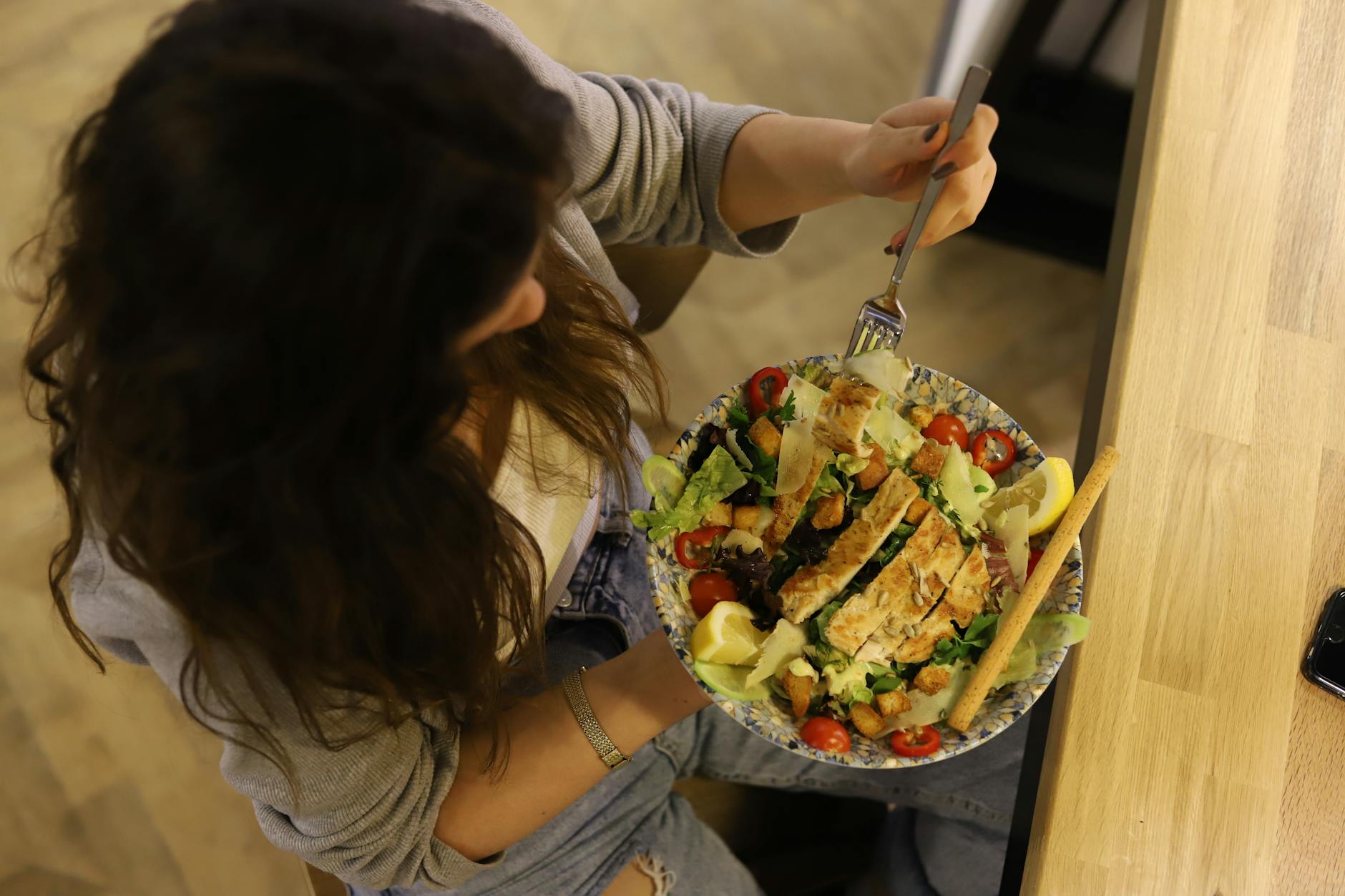
Why Most Apps Fail at Photo Food Tracking
Here's the honest scorecard for the apps people default to:
- MyFitnessPal bolted a photo feature onto a database app. It works on simple, single-food photos but falls apart on mixed plates and rarely returns micronutrients beyond the basic macros.
- Lose It! Snap It was an early mover and still has the cleanest UX, but it's optimized for calorie estimation, not full nutrition. You'll know the calories. You won't know your magnesium.
- Noom doesn't really do photo logging. It does color-coded category logging, which is a different product entirely — useful for behavior change, useless for actual nutrient data.
- Cronometer has the best nutrient depth in the industry but its photo recognition is a recent add-on and lags behind on accuracy. You end up back in the database for half your meals.
- Generic AI camera apps can identify food but don't track it. You get a one-shot answer and no history, no targets, no progress.
What HealthyOne Does Differently
We built HealthyOne around the photo logging path because that's how most people actually want to track. Here's what that looks like in practice.
One Photo, Full Plate Breakdown
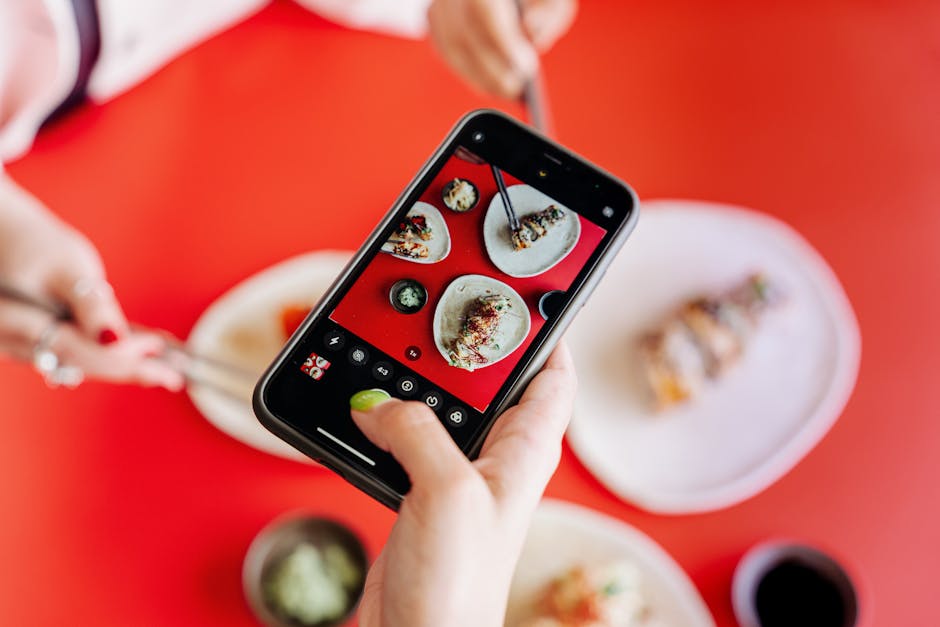
Snap one picture of your meal. The Gemini-powered AI identifies each food on the plate, estimates portions visually, and returns a complete row for each item. Mixed plates, takeout containers, leftovers — the system was designed for the messy real-world photos, not the staged demos.
50+ Nutrients on Every Log
Every photo log returns the full nutrient profile, not just calories. Protein, fiber, sodium, added sugar, omega-3s, magnesium, B12, iron, vitamin D — all 50+ tracked nutrients computed from the same single photo. The data is there if you want it, hidden if you don't.
Tap to Correct, Don't Reset
If the AI guessed wrong, tap the item and swap it. Your other foods stay. Your portion estimates stay. You don't lose 30 seconds of work because the model thought your salmon was tilapia.
Heart Health Dashboard, Not a Calorie Score
Photo logs power a full heart-health dashboard — sodium load, saturated fat trends, fiber averages, weekly added sugar. The Power Score summarizes daily quality in one number, and avatar progression makes consistency rewarding instead of punishing.
Three More Ways to Log When You Can't Snap
Sometimes the photo isn't an option — you're in a meeting, the food is gone, you forgot. HealthyOne also has voice, text, and barcode logging with the same nutrient depth and the same Apple Health and Google Health Connect sync.
Where Photo Logging Wins
Photo tracking shines in a few specific situations. If any of these match you, the speed gain alone is worth switching apps.
- Restaurant meals. No barcode, no chain database, no asking the server for nutrition info.
- Home-cooked meals with multiple components. One photo of a stir fry beats five separate lookups.
- GLP-1 users on Ozempic, Wegovy, or Mounjaro. Tiny portions the database doesn't have are easy to capture from a photo.
- Travel and on-the-go. Airport food, hotel breakfasts, unfamiliar restaurants — exactly where databases fail and photos win.
The Bottom Line
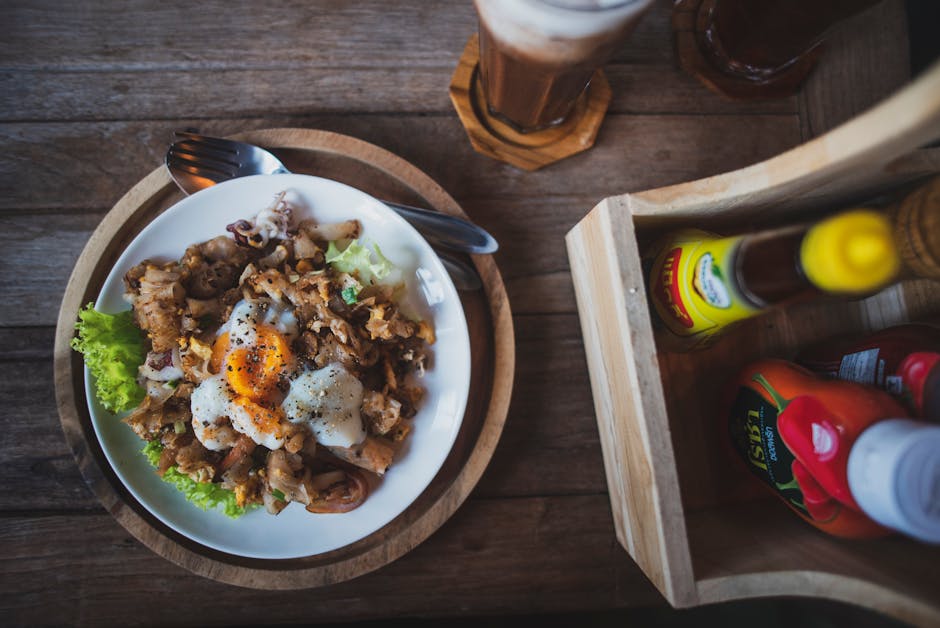
A real photo food tracker doesn't just identify food — it breaks plates apart, estimates portions, returns full nutrient profiles, and lets you correct mistakes without restarting. Most apps brand themselves as photo trackers but only deliver one or two of those things. The 2026 bar is higher than the 2024 bar. If your current app makes you scroll a database twice a meal, you're using the wrong tool.
Snap. Log. Eat.
The photo food tracker that actually breaks the plate apart
One photo, full nutrient breakdown across 50+ nutrients. Tap to correct, never reset. 7-day free trial, then $7.99/month.
Try HealthyOne Free