The Best Calories Counter App in 2026 (And Why Most People Track the Wrong Thing)
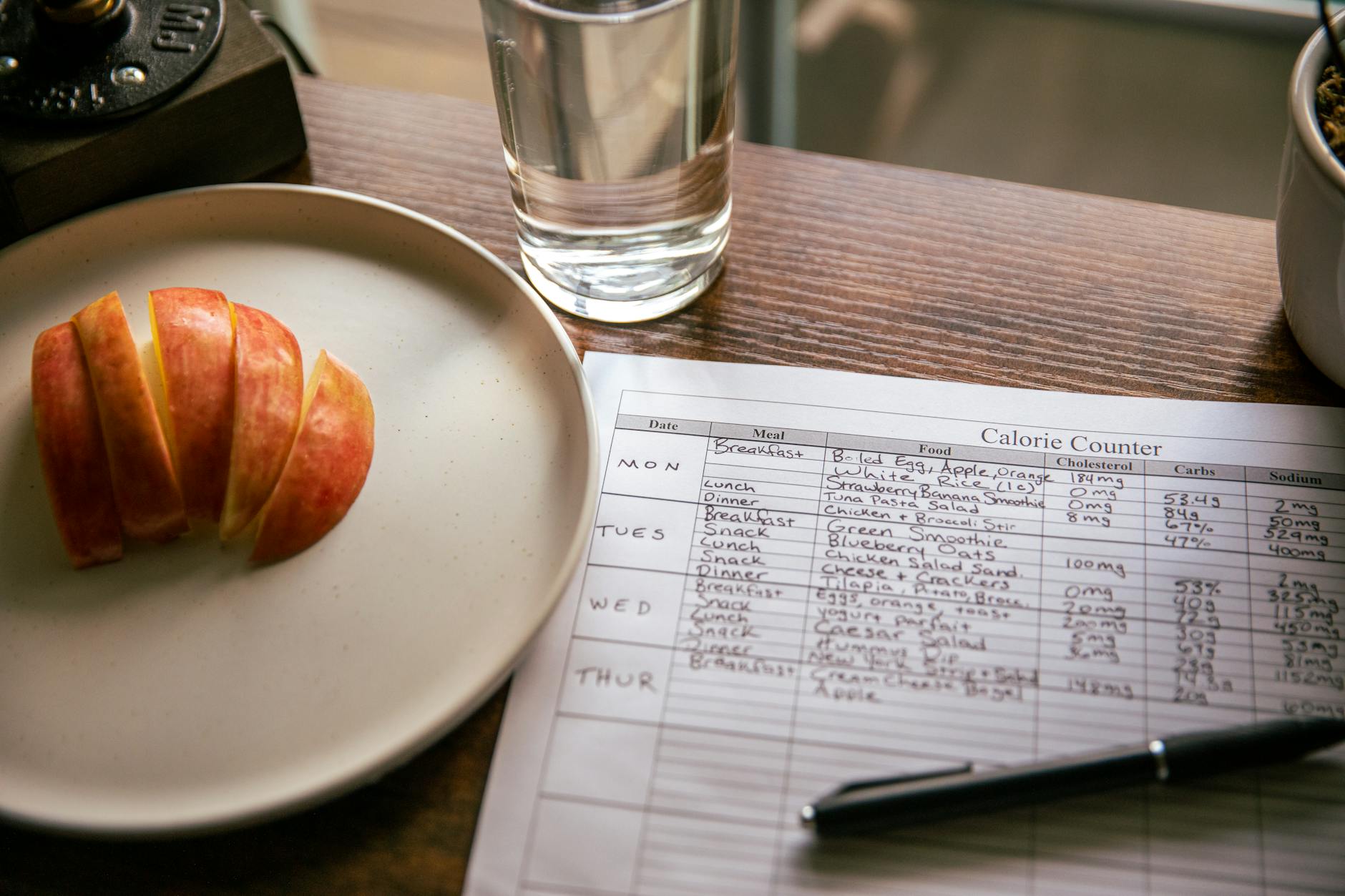
You've downloaded a calorie counter app before. Probably MyFitnessPal. Maybe Lose It! or Noom. You logged hard for a week, gave up by day ten, and decided you were the problem. You weren't. The app was.
Short answer: the best calories counter for 2026 is the one that logs a meal in under 15 seconds without a food scale. HealthyOne does it by photo, voice, text, or barcode and fills in 50+ nutrients automatically - free to download, 7-day trial of everything. MyFitnessPal still has the biggest database if you like searching. Start free here.
The 2010s version of a calorie counter — search a database, pick the right entry out of forty near-duplicates, type in grams, repeat for every bite — was never going to survive contact with a real adult life. In 2026, the bar is higher. Here's what the best calories counter apps should actually do this year, and what to look for before you spend another month hating your phone.
Best Calorie Counter Apps 2026, Ranked
If you just want the short answer, here is how the main calorie counter apps stack up for 2026 — ranked by how likely you are to still be logging in week four, not by database size.
- 1. HealthyOne — Best overall. Photo, voice, text, or barcode logging in about 10 seconds, 50+ nutrients filled in automatically, no database search. Free to download with a 7-day trial of every premium feature.
- 2. MyFitnessPal — Biggest food database, but a 2014 search-and-edit workflow and a paywall over barcode scanning and macros. Best if you genuinely like searching.
- 3. Lose It! — Cleaner interface with a basic photo feature, but shallow AI that identifies one item per plate. Fine for casual tracking.
- 4. Cronometer — The micronutrient gold standard, but built for people who weigh every gram. Most casual users bounce in a week.
- 5. Noom — A behavioral coach with a tracker attached. Helpful psychology, slow logging, premium pricing.
Want macros front and center instead of calories? See the best macro tracking app for 2026. Prefer a simple log without the calorie spiral? Read the best food diary app for 2026. The rest of this guide explains the five things that actually separate them.
What a Real Calorie Counter App Should Do in 2026
Forget the marketing pages. Here are the five things that actually decide whether you'll still be logging in week four.
1. Log a Meal in Under 15 Seconds
If logging a sandwich takes longer than eating it, you'll quit. The old database-search workflow is dead. In 2026, you should be able to snap a photo of your plate, dictate "two scrambled eggs with toast and avocado," scan a barcode, or paste a recipe — and the app figures out the rest. Calorie counters that still make you search "chicken breast" and pick between 87 entries are using a 2013 workflow.
2. Get the Calories Roughly Right Without Weighing Anything
Nobody owns a food scale. Even fewer people travel with one. A modern calorie counter has to estimate portion size from a photo or a description and tell you when it's not sure. Asking you for "exact grams of cooked white rice" before it can save a meal is a fast way to lose you.
3. Show More Than Calories
Calories are the headline metric, but they're also the most misleading. Two 600-calorie meals can put you in completely different places metabolically — one might be 45g of protein and a full day of magnesium, the other might be 8g of protein and zero fiber. A calorie counter that doesn't show protein, fiber, and at least the major micronutrients is selling you a number that doesn't mean what you think it means.
4. Stop Making You Feel Like You Failed
The old apps default to red numbers, scolding pop-ups, and a "you went over your goal" tone. That's why people delete them. A good 2026 calorie counter treats one bad day as data, not a moral failing — and makes it stupidly easy to log the next meal anyway. The "never restart" idea matters more than any specific feature.
5. Sync with the Health Data You Already Have
Your phone already knows your weight, steps, sleep, and active calories. Your calorie counter should pull that in from Apple Health or Google Health Connect, not make you re-enter it. If you have to manually log your weight every morning, the app is wasting your time.
The single biggest reason people quit a calorie counter app isn't willpower — it's friction. If a meal takes more than 15 seconds to log, you'll skip it. Skip enough meals and the data is useless. Useless data is why you quit.
Why the Default Calorie Counters Still Fall Short
Here's an honest look at what people actually download — and where each one breaks.
- MyFitnessPal still owns the category by inertia. It has the biggest food database, but the workflow is largely unchanged since 2014: search, pick, edit grams, save. The free tier is now ad-heavy and the paywall hides barcode scanning and macro goals, which used to be free. If you don't love searching, you won't last.
- Lose It! has a cleaner interface and a snapshot photo feature, but the AI is shallow — it mostly identifies one item per plate and asks you to fix the rest manually. Better than MyFitnessPal for casual users, still a database app at heart.
- Noom is a psychology coach with a calorie tracker stapled on. The color-coded food system can help in week one, but the actual logging is slow, and the subscription is expensive. If you want a tracker, this is the wrong tool. If you want behavioral coaching, it's better than the others.
- Cronometer is the gold standard for micronutrients but is built for the data-obsessed minority. The UI assumes you'll weigh everything. Casual users bounce off it inside a week.
What HealthyOne Does Differently
I built HealthyOne after watching the same loop happen to people in my own life: download MyFitnessPal, log hard for ten days, quit, decide they have no discipline, restart in three months, repeat. The app was the problem. So we built it differently.
Four Ways to Log a Meal, All in About 10 Seconds
Photo, voice, text, or barcode. Pick whichever fits the moment. Standing in line at Chipotle? Voice. Eating at your desk? Photo. Late-night cereal? Type "two bowls of Cheerios with whole milk." Drive-through? Scan the wrapper. The AI engine (Gemini 2.5 Flash under the hood) parses what's on the plate and fills in 50+ nutrients automatically. No search. No 87 chicken-breast entries.
Calories Sit Next to Protein, Not Above It
Your daily screen shows calories, protein, fiber, and the micronutrients you've been short on this week — together. You can still hit a calorie target if that's your goal, but you're not flying blind on everything else. People on GLP-1 medications get a protein-first view. Heart-health users get a sodium and saturated fat lens. Same data, different defaults.
A Heart Health Dashboard, Not Just a Macro Pie
Long-term, what matters is not whether you hit 1,800 calories on Tuesday. It's whether your sodium trend is sustainable, whether your saturated fat is creeping up, whether your fiber is consistently in range. HealthyOne pulls the patterns up to the top of the dashboard so you can see them.
A "Never Restart" System, Not a Streak Trap
One missed day is not a failure. HealthyOne is built around the idea that consistency over months beats perfection over weeks. The Power Score rewards trend, not streak. Your avatar progresses based on the long arc. The squad feature lets a few friends or family see your dashboard without turning it into a public weigh-in.
Real Apple Health and Google Health Connect Sync
Weight, steps, active calories, sleep, and heart rate flow in automatically. You don't enter them twice. If your scale is smart, it just shows up.
Free Calorie Counter vs. Paid: What's Actually Different
The honest answer in 2026: most "free" calorie counters lock the parts you actually need behind a subscription. MyFitnessPal locks barcode scanning and macros. Lose It! locks photo logging beyond a few uses. Noom is paid-only after the trial. So the real choice is rarely free vs. paid — it's which paid app you trust with your habits for the next twelve months.
HealthyOne is free to download, gives you a real 7-day trial of every premium feature (no credit card hoops), and then runs $7.99/month or $59.99/year. The trial is long enough to actually decide.
The Bottom Line
If you're shopping for a calorie counter app in 2026, stop optimizing for "biggest database" or "most accurate calorie estimate." Optimize for whether you'll still be opening the app on day 30. That comes down to logging speed, what the app shows you besides calories, and whether the tone makes you want to come back after a bad day. Pick on those three, and the rest follows.
Calories are a useful number. They are not the only number. The right app shows you both. If you are tracking on a GLP-1, start with the best Ozempic tracker app for 2026 or the Wegovy tracking guide instead - both use a protein-first view. Otherwise, download HealthyOne free and log your next meal.
A calorie counter that doesn't make you hate eating
Four ways to log a meal in 10 seconds. 50+ nutrients tracked automatically. Apple Health and Google Health Connect sync. 7-day free trial, then $7.99/month.
Try HealthyOne FreeFrequently Asked Questions
What is the best calorie counter app in 2026?
The best calorie counter app in 2026 is the one you'll still be using on day 30. That comes down to three things: logging speed (under 15 seconds per meal), what it shows beyond calories (protein, fiber, and the micronutrients you've been short on), and a tone that treats a bad day as data, not a moral failing. HealthyOne lets you log by photo, voice, text, or barcode and fills in 50+ nutrients automatically.
Is there a free calorie counter app?
HealthyOne is free to download and includes a 7-day trial of every premium feature with no credit card required. Most "free" calorie counters lock the parts you actually need — MyFitnessPal puts barcode scanning and macro goals behind its paywall, and Lose It! limits photo logging — so compare what is genuinely free before you commit.
Can you count calories without weighing your food?
Yes. A modern calorie counter estimates portion size from a photo or a spoken description and flags when it is unsure, so you don't need a food scale. HealthyOne's AI engine parses what's on your plate and fills in calories and nutrients without asking for exact grams.
What is the fastest way to log a meal?
Snapping a photo or dictating your meal is far faster than the old search-a-database workflow. HealthyOne logs a meal in about 10 seconds by photo, voice, text, or barcode. If you're managing weight on a GLP-1, the same speed applies to a protein-first tracking view, then start your free trial.
What is the best free calories counter for 2026?
For 2026, the strongest free-to-start calories counter is one that removes the database search entirely. HealthyOne is free to download and includes a 7-day trial of every premium feature, so you can log by photo, voice, text, or barcode without paying first. MyFitnessPal and Lose It! are also free to download, but both now gate the features most people want - barcode scanning and macro goals on MyFitnessPal, extended photo logging on Lose It! Compare what is genuinely free before you commit, and see the full calorie tracker comparison for 2026.
Is MyFitnessPal still the best calorie counter app in 2026?
For sheer database size, MyFitnessPal is still hard to beat — but its core logging workflow has barely changed since 2014, and barcode scanning and macro goals now sit behind the paywall. If you want a MyFitnessPal alternative that logs by photo, voice, text, or barcode in about 10 seconds and shows protein and micronutrients next to calories, HealthyOne is built for exactly that. The best calorie counter app for 2026 is the one whose logging is fast enough that you actually keep doing it.