The Best Food Diary App in 2026 (Without the Calorie-Counting Spiral)
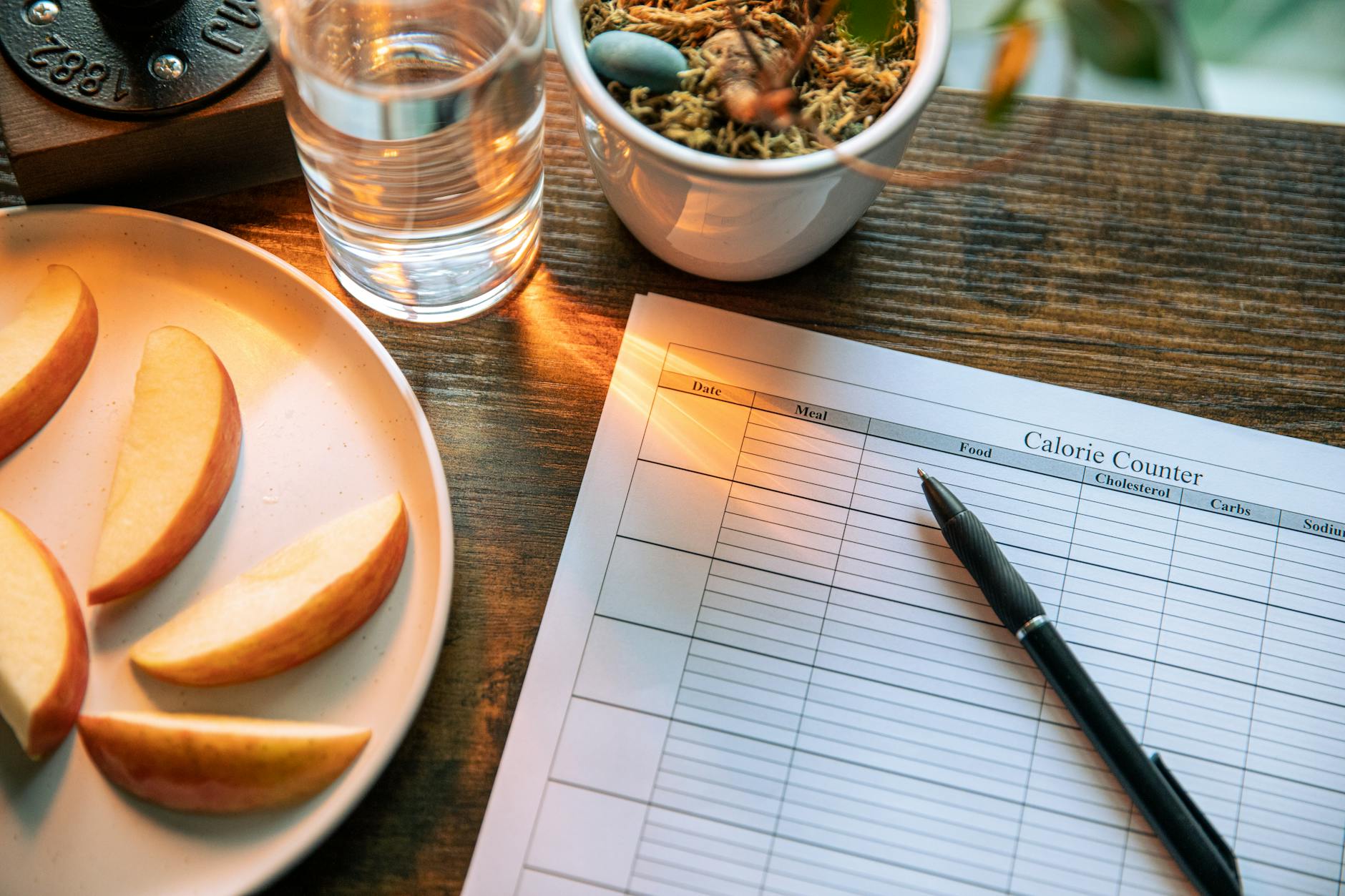
You opened a food diary app at 6:30 in the morning, typed "two scrambled eggs" into the search box, picked the third result because the first two looked wrong, edited the portion from 100g to 120g, and only then got to your toast. That was breakfast. You're already exhausted, and you haven't even left the kitchen.
This is the reason most people quit a food diary by day 10. It isn't laziness. It's a workflow problem. The food diary was supposed to give you awareness of what you eat — instead it became a data-entry job with a guilt overlay attached. In 2026, you don't need to put up with that anymore.
Best Food Diary Apps in 2026, Ranked
If you want the short answer before the reasoning, here is how the main options stack up for the actual diary job — keeping a low-friction record of what you eat:
- 1. HealthyOne — Best overall and the lowest-friction diary. Log by photo, voice, text, or barcode in under 10 seconds, 50+ nutrients tracked automatically, diary-first (not calorie-quota-first). Free 7-day Plus trial.
- 2. Cronometer — Best for nutrient depth if you don't mind a database-search workflow. The most thorough nutrient data of the legacy apps.
- 3. MyFitnessPal — Largest food database, but noisy search and macros locked behind the paywall make daily logging a grind.
- 4. Lose It! — Cleaner interface than MyFitnessPal, but still calorie-first, so it leans toward a quota rather than a diary.
- 5. Noom — A behavior-change program with a logger attached, not a true food diary.
Looking for a free option specifically? Most apps have a free tier, but the daily logging speed matters more than the price tag — a free app you quit on day 10 helps no one. See also our breakdowns of the best calorie counter apps and how to track nutrition without counting calories.
What a Food Diary Is Actually For
Before you pick an app, get clear on the job. A food diary has three legitimate uses, and one fake one.
The real reasons to keep a food diary: Spot patterns (which meals leave you crashing at 3 PM, which ones don't), close a nutrient gap you suspect you have (protein, fiber, iron, magnesium), or build awareness so you stop eating on autopilot. That's it.
The fake reason most apps push: Hit an arbitrary daily calorie number that some onboarding survey decided is your "deficit." That's not a food diary. That's a calorie quota, and treating it like one is why people end up in the binge-and-restart loop.
A 2026 food diary app should be on your side for the first three jobs, and quietly refuse to do the fourth.
The 2026 Checklist Most Apps Still Fail
1. Logging Has to Take Under 10 Seconds
This is the single feature that determines whether you'll still be logging on day 30. If logging a meal takes 90 seconds of database search, portion editing, and "is this the right brand?" — you will quit. Doesn't matter how motivated you are. The cost of an entry needs to be near zero. Photo, voice, text, or barcode — pick one, log, move on.
2. It Has to Default to a Diary, Not a Quota
When you open the app, the first screen should be what you ate, not how many calories you have "left." Most legacy apps lead with a deficit counter because that drove the original engagement loop in 2012. That loop also drives the shame-and-quit loop. A modern food diary leads with the entry, not the verdict.
3. It Has to Read More Than Calories
If your diary only knows calories, carbs, fat, and protein, it can't help you spot the patterns you actually care about. Iron, magnesium, B12, omega-3, fiber, potassium, sodium — these are where the useful insights hide. A diary that surfaces 50+ nutrients gives you something to do with the data beyond shaming yourself for going 200 calories over.
4. It Has to Work for the Hard Cases
Restaurant meals you didn't cook. Home recipes with eight ingredients. Bites off your kid's plate. Cocktails. A food diary that only handles packaged food with a barcode is a packaged-food diary. The right tool handles the messy reality of how people actually eat — including the meals you'd rather skip logging.
5. It Has to Sync With the Rest of Your Health Data
Your food log is one data stream. Sleep, steps, weight, heart rate, workouts — those are others. Without sync, you're staring at four disconnected apps trying to do the correlation in your head. Apple Health and Google Health Connect exist exactly for this. If your food diary doesn't read or write to them, it's living on an island.
The food diary that survives past day 10 is the one that costs you the least friction per entry. Everything else — accuracy, nutrients, gamification, coaching — is downstream of that single number.
Why MyFitnessPal, Lose It!, Noom, and Cronometer Lose the Diary Job
The old guard has real strengths and one shared weakness — they all assume the user will sit through a database-search workflow. That assumption was reasonable in 2014. It is not reasonable now.
- MyFitnessPal still leans on a community-edited food database. Search results are noisy, brand listings are duplicated, and the friction of picking the right "chicken breast, grilled" entry is exactly what kills the habit. The free tier also locks macros behind a paywall.
- Lose It! is cleaner than MyFitnessPal but still calorie-first. Open the app and the message is "you have X calories left," not "here's what you've eaten." Same psychology trap, prettier UI.
- Noom isn't a food diary at all — it's a cognitive-behavioral weight loss program with a logger bolted on. If you want a record of what you ate and where the nutrients are landing, Noom is the wrong shape.
- Cronometer is the closest to a real nutrient-aware diary, and the power-user crowd loves it. The catch is the data-entry workflow — it still expects you to find foods in a database and dial portions. The nutrient depth is great; the friction tax is still 2014-grade.
What HealthyOne Does Differently
HealthyOne was built around a single design rule: a food diary entry should never take more than 10 seconds. Everything else is built on top of that rule.
Four Ways to Log, All Under 10 Seconds
Photo (snap the plate, AI identifies the food and portion), voice ("two eggs, toast with butter, and a coffee"), text (type the same sentence), or barcode (scan a label). You pick whichever fits the moment. No database search. No portion math. The AI engine handles 50+ nutrient calculation in the background.
Diary-First, Not Quota-First
Open HealthyOne and you see what you ate, not what you have "left." Protein and key nutrients are the headline numbers. Calories are visible if you want them, secondary by default. The Power Score and avatar progression reward consistency and nutrient quality, not deficit math.
50+ Nutrients Tracked Automatically
The same entry that takes you 8 seconds also produces a full nutrient breakdown — vitamins, minerals, fiber, omegas. The heart health dashboard reads from that data, the GLP-1 mode reads from that data, the squad gamification reads from that data. You log once, the app uses it everywhere.
Fasting Tracker Built In
If you do intermittent fasting, the diary knows when your eating window opens and closes. It doesn't shame you for skipping breakfast and it doesn't pretend a 16:8 schedule is the same as a missed meal.
Health Connect and Apple Health Sync
Weight, body composition, workouts, sleep, heart rate — HealthyOne reads from Apple Health and Google Health Connect, so the diary lives next to the rest of your health story instead of in its own silo.
Recipes and Grocery Lists That Match Your Diary
The diary surfaces the gaps — "your fiber has been low for 11 days" — and the recipe discovery and grocery list features turn that into specific meals you can shop for this week. The loop closes inside one app.
How to Pick Your App in 60 Seconds
If you want one rule of thumb: download two food diary apps, log the next three meals in each, and at the end of day one count the seconds per entry. The app with the lower number is the one you'll still be using in a month. Don't overthink it.
If the first screen is a calorie deficit, that's a quota app. If the first screen is what you ate, that's a diary app. You want the diary.
The Bottom Line
A food diary is a tool for awareness. The minute it becomes a punishment system, you're going to delete it — and you should. In 2026, the best food diary app is the one that gets out of your way: ten seconds per entry, nutrient depth without nutrient guilt, and a default screen that shows what you ate instead of how badly you "missed" your number.
Stop restarting your diary. Pick a tool that survives the messy week.
Frequently Asked Questions
What is the best food diary app in 2026?
For most people, the best food diary app in 2026 is the one with the lowest logging friction. HealthyOne leads because an entry takes under 10 seconds by photo, voice, text, or barcode, and it shows what you ate first instead of a calorie quota. Cronometer is the strongest legacy option if you want deep nutrient data and don't mind database search.
Is there a free food diary app?
Yes — most food diary apps, including HealthyOne, MyFitnessPal, Lose It!, and Cronometer, have a free tier. The catch is what sits behind the paywall: MyFitnessPal locks macros, for example. HealthyOne offers a 7-day free Plus trial so you can test full logging before deciding. The more important question than price is whether you will still log on day 30 — pick the fastest one to enter a meal.
What is the best food logging app that's free?
If your priority is a free food logging app, judge it by seconds-per-entry, not feature lists. Apps that make you search a database and dial portions tend to get abandoned. A photo or voice entry that takes under 10 seconds is the strongest predictor of whether you'll keep a free log going long term.
What's the best food diary app that doesn't count calories?
Look for a diary-first app that leads with what you ate and surfaces nutrients like protein, fiber, and iron, with calories optional and secondary. HealthyOne is built this way on purpose, and our guide on tracking nutrition without counting calories covers the approach in more detail.
How do I keep a food diary I'll actually stick with?
Keep entries near-instant, log right after eating instead of batching at night, and treat the diary as a record for spotting patterns rather than a scorecard to pass. The apps that survive past day 10 are the ones that cost the least effort per meal. You can also start a free HealthyOne trial and log your next three meals to test the workflow yourself.
A food diary you'll still open on day 30
10-second logging via photo, voice, text, or barcode. 50+ nutrients tracked automatically. No calorie shame, no database grind. 7-day free trial, then $7.99/month.
Try HealthyOne Free